
Zip Through Your Inbox: 5-Minute Tips to Reclaim 10 Hours
Zip Through Your Inbox: The 5-Minute Listicle to Reclaim 10 Hours a Week
Picture this: You're drowning in a digital ocean where every wave is another email notification, and your lifeboat—that precious focus time—keeps getting smaller. Sound familiar? If you're a busy solo professional, your inbox productivity might be the difference between thriving and barely surviving in today's hyper-connected world.
Here's a question that might sting a little: How many hours did you lose to email yesterday? If you're like most entrepreneurs and freelancers, the answer is probably "too many." But what if I told you that a simple 5-minute system could give you back 10+ hours every week?
Email isn't inherently evil—it's just that most of us treat our inboxes like digital hoarding situations instead of the streamlined command centers they should be. Today, we're flipping that script with actionable strategies that turn email chaos into organized efficiency.
1. The "Two-Minute Rule" Power Move
This email management strategy is beautifully simple: If an email takes less than two minutes to handle completely, do it immediately. Don't read it, close it, and let it sit there mocking you from your inbox.
Here's how to implement this game-changer:
- Open the email once and make a decision
- Reply, forward, file, or delete within 120 seconds
- Archive completed emails immediately
- If it takes longer than two minutes, flag it for dedicated focus time
Pro tip: Most routine emails—confirmations, quick questions, scheduling requests—fall into this category. You'll be amazed how much mental clutter disappears when you stop re-reading the same messages multiple times.
2. Batch Processing: Your New Best Friend
Think of your brain like a high-performance engine. Constantly switching between email and other tasks is like stop-and-go traffic—inefficient and frustrating. Email batch processing lets you cruise in the productivity fast lane.
Set up these specific time blocks:
- Morning Sweep (5 minutes): Handle urgent items only
- Midday Processing (15 minutes): Apply the two-minute rule
- End-of-Day Cleanup (10 minutes): Plan tomorrow's priorities
During these blocks, resist the urge to multitask. Close other applications, silence notifications, and give your inbox your complete attention. This focused approach can process more emails in 30 minutes than scattered checking accomplishes all day.
3. The Magic of Email Templates and Signatures
Stop reinventing the wheel every time you respond to common requests. Smart email automation through templates can slash your response time dramatically.
Create templates for these frequent scenarios:
- Project updates and status reports
- Meeting scheduling and rescheduling
- Client onboarding information
- Polite "no" responses to opportunities
- Invoice follow-ups and payment reminders
Most email clients allow you to save and insert templates with just a few clicks. Customize each template slightly to maintain that personal touch, but let the structure do the heavy lifting.
4. Smart Filtering: Let Technology Work for You
Your email client's filtering system is like having a super-efficient personal assistant who never sleeps. Set up automated email organization to sort incoming messages before they hit your main inbox.
Essential filters to create:
- Client Communications: Direct emails from clients to a priority folder
- Newsletters and Updates: Auto-sort subscriptions for later reading
- Social Media Notifications: Bypass the inbox entirely
- Automated Systems: File invoices, receipts, and confirmations automatically
This preprocessing means you only see emails that actually require your attention, dramatically reducing decision fatigue.
5. The "Zero Inbox" Mindset Shift
Achieving inbox zero productivity isn't about having zero emails—it's about having zero emails that require decisions. Every message in your inbox should either need action or be processed out.
Adopt this simple filing system:
- Action Required: Tasks that need more than two minutes
- Waiting For: Items pending responses from others
- Reference: Information you might need later
- Archive: Completed items (searchable but out of sight)
The psychological benefit is enormous. When you open your email, you see only items that need attention, not a overwhelming mixture of completed tasks and pending actions.
Bonus Strategy: The Weekly Email Audit
Spend 10 minutes every Friday reviewing your email productivity system. Ask yourself these key questions:
- Which emails consumed the most time this week?
- Can I create templates for recurring responses?
- Are my filters working effectively?
- What patterns do I notice in my email habits?
This reflection helps you continuously optimize your approach, turning good habits into great systems.
Real-World Results: The 10-Hour Transformation
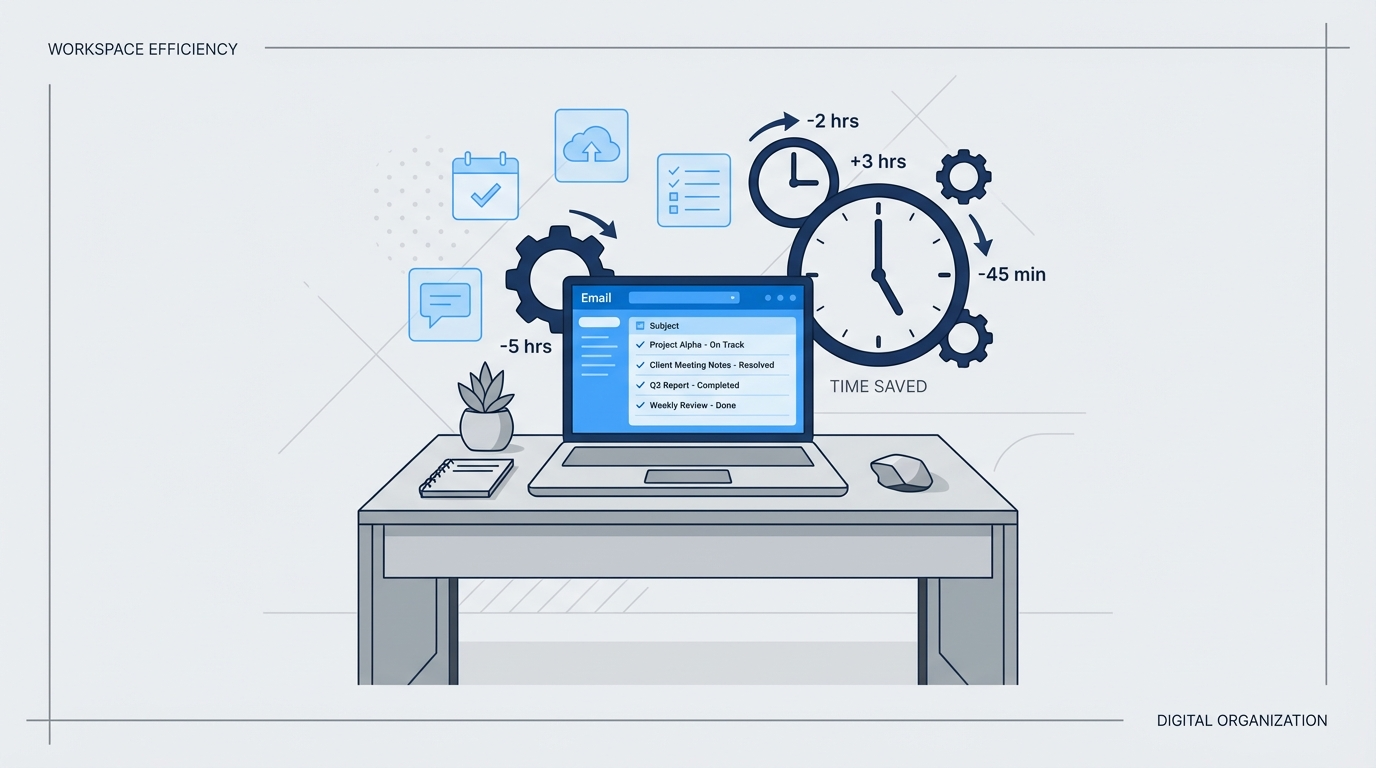
Here's the math that makes this exciting: If you currently spend 2 hours daily managing email (conservative estimate for most solo pros), these strategies can cut that to 30 minutes or less. That's 1.5 hours saved per day, totaling 7.5 hours weekly—and we haven't even counted the reduced stress and improved focus.
Many professionals report even bigger gains once these systems become automatic. The key is consistency—implement one strategy at a time until it becomes second nature, then layer on the next.
Remember, productive email management isn't about perfection; it's about creating sustainable systems that support your bigger goals. Every minute you reclaim from email chaos is a minute you can invest in growing your business, serving clients better, or simply having a life outside your inbox.
Your email should work for you, not the other way around. These five strategies transform your inbox from a source of overwhelm into a well-oiled productivity machine. The best part? You can start implementing them right now, today, in just five minutes.
Ready to take back control of your time and energy? Your future, more productive self is waiting on the other side of that inbox cleanup.


